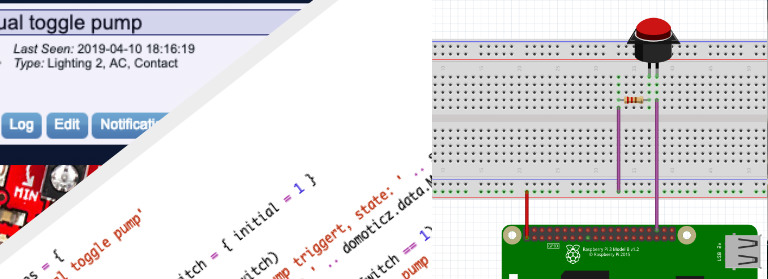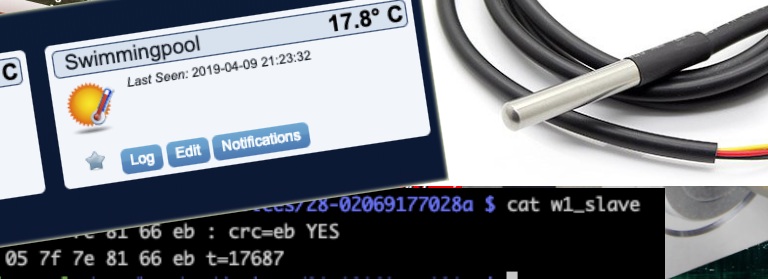
Read a Atlas Scientific ORP probe with a Raspberry Pi and Domoticz
Samfw Tool Version 1.21.0 Direct
Launch the SamFwTool.exe file by right-clicking and selecting . Executing an FRP Unlock Power on the locked Android device completely.
If you've ever owned a Samsung smartphone, you know that sometimes things don’t go as smoothly as planned. You might accidentally lock yourself out after a factory reset, or perhaps you want to customize your device beyond its original regional settings. This is where the comes into play. In this article, we’ll dive deep into version 1.21.0, exploring its features, how to use it, whether it’s safe, and how it stacks up against other versions.
: Ensure your phone has at least 50 percent power. Run Admin : Open the program as an administrator on Windows. samfw tool version 1.21.0
In the ever-evolving world of technology, firmware management plays a crucial role in ensuring the seamless operation of devices. The SAMFW tool, a popular firmware flashing and management utility, has recently received a significant update, bringing it to version 1.21.0. This latest iteration promises to revolutionize the way users interact with their devices, offering a plethora of new features, improvements, and bug fixes.
This public link is valid for 7 days and shares a thread, including any personal information you added. This link or copies made by others cannot be deleted. If you share with third parties, their policies apply. Can’t copy the link right now. Try again later. Launch the SamFwTool
The most significant update is the improved success rate for bypassing FRP locks on Samsung devices running recent Android versions and security patches. 2. Improved CSC Changer
The samfw tool!
The tool will finish the process and reboot your device automatically. B. Change CSC (Region Change)